How to Set Up Google My Business for a Tattoo Shop
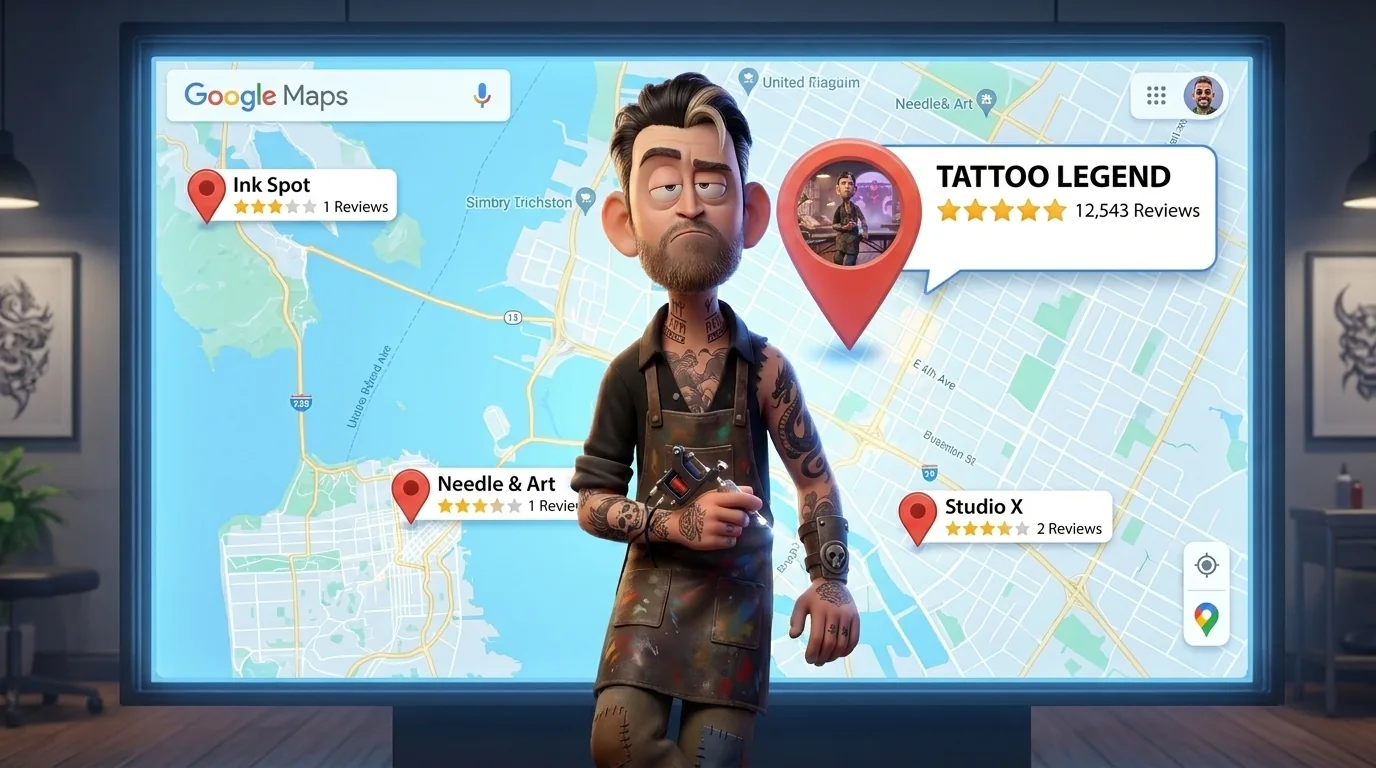
Most tattoo shops have a Google My Business profile. Most of them are half-empty, have the wrong category, and haven't been touched since the day someone created them. Which is exactly why showing up well on Google Maps is still one of the easiest wins available in this industry.
This is the full setup - done correctly, specifically for tattoo shops.
Why GMB matters
When someone searches "tattoo shop near me" or "best tattoo shop in [city]," the first thing they see isn't websites - it's the local pack. Three businesses, shown on a map, with photos, ratings, and hours. That's GMB.
Getting into that local pack doesn't require a massive ad budget or months of SEO work. It requires a complete, well-maintained profile. Most shops don't have one, which means the bar is lower than it looks.
Step 1: Claim or create your profile
Go to google.com/business and sign in with a Google account that belongs to the business - not a personal Gmail you might lose access to.
Search for your shop name. If a profile already exists (Google sometimes auto-generates them), claim it. If not, create one from scratch.
You'll need to verify the business. Google usually sends a postcard with a verification code to the physical address. This takes 5–7 days. Some accounts can verify by phone or video call - if that option appears, use it, it's faster.
Don't skip verification. An unverified profile has limited visibility and you can't control the information on it.
Step 2: Choose the right category
This is the most important field in your profile.
Primary category: Tattoo Shop
That's it. Don't get creative. "Tattoo Shop" is the exact category Google uses to rank businesses in tattoo-related searches. Using anything else - "Art Studio," "Body Art," or "Piercing Shop" as your primary - puts you in the wrong bucket.
Secondary categories (add these if they apply):
- Body Piercing Shop (if you offer piercing)
- Art Gallery (if you have a retail/gallery component)
Keep secondary categories relevant and minimal. Adding too many dilutes the signal of your primary category.
Step 3: Business name, address, and phone
Name: Use your actual business name - nothing else. Don't add keywords like "Best Tattoo Shop NYC" to your business name. Google actively penalizes this and it looks unprofessional to anyone who sees it.
Address: The exact address, formatted consistently with how it appears on your website, Yelp, and every other platform. Street vs. St., Suite vs. Ste. - pick one format and use it everywhere. Inconsistency fragments your local authority.
Phone: A local number, not a tracking number or call center line. Local area codes carry more weight in local search than toll-free numbers.
One more thing: make sure your website shows the exact same name, address, and phone as your GMB profile. Consistent information across GMB, your website, and directories doesn't just help Google Maps rankings - it's also how AI search tools like ChatGPT and Perplexity decide which businesses to surface when someone asks "best tattoo shop in [city]." The more consistent your data is across the web, the more confidently these tools recommend you.
Step 4: Hours
Set accurate hours, including holiday hours when relevant. Google highlights businesses that are "open now" - if your hours are wrong and someone shows up to a closed door, that's a review waiting to happen.
If your shop works by appointment only with no walk-ins, note that in the business description - but still set hours for when someone could reach you or drop by for a consultation.
Step 5: Photos
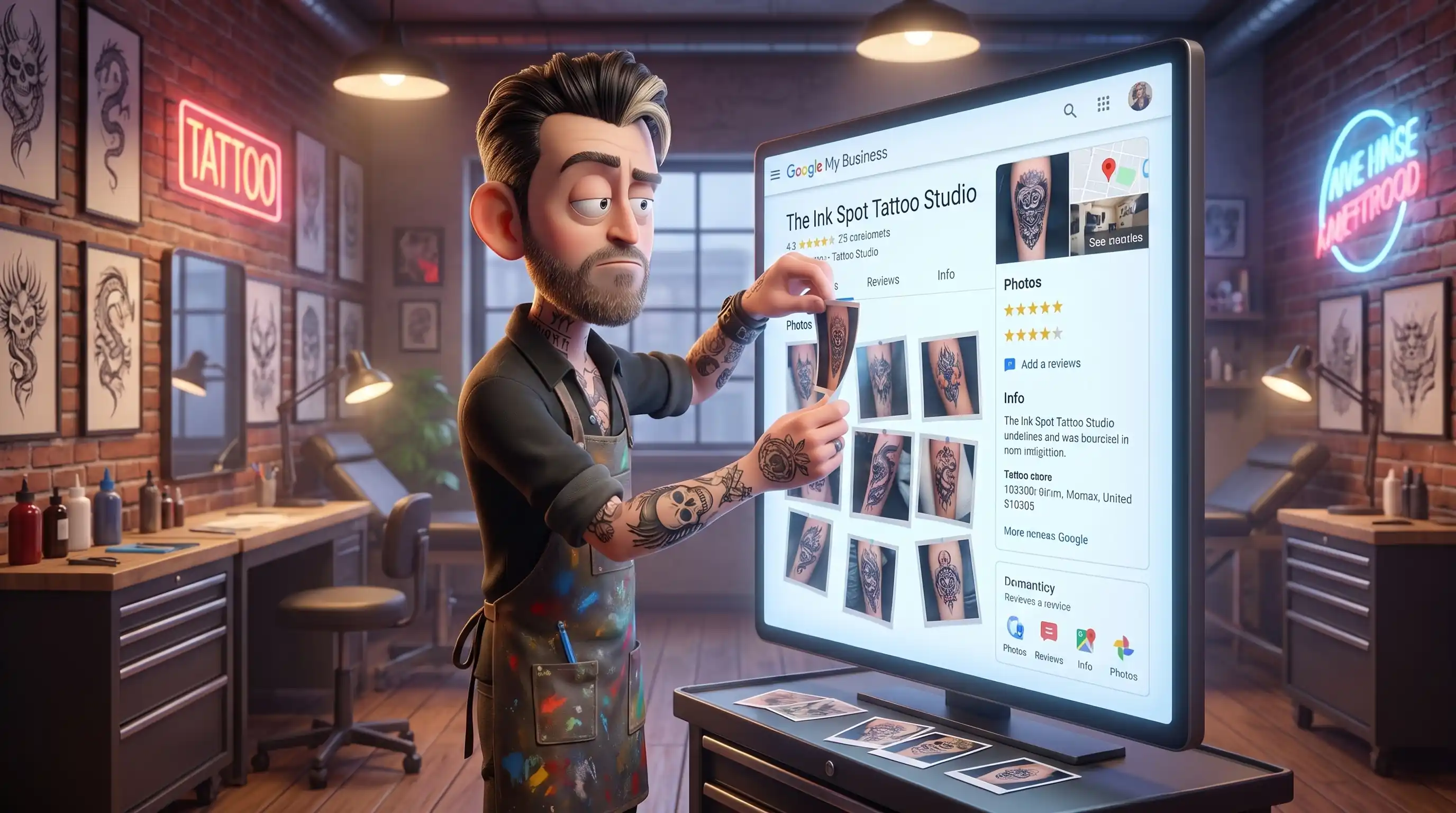
Google's own data shows that businesses with photos receive significantly more clicks and direction requests than those without - and "a few photos" barely counts. For a tattoo shop, photos are the entire pitch.
What to upload:
- Cover photo: The strongest piece from your shop. This is the first image people see in search results - make it count.
- Logo: Clean, high resolution.
- Interior shots: The shop environment. Clients want to know what they're walking into — clean, professional, well-lit.
- Work photos: At least 15–30 pieces across different styles the shop offers. Organized isn't required here - variety is.
- Team photos: Artists at work, not just headshots.
How often: Add new photos at least once a month - ideally more often. Google favors active profiles. A profile that hasn't been updated in six months is a profile that's slowly losing ground.
File names and quality: Rename photos before uploading - blackwork-sleeve-tattoo-chicago.jpg tells Google more than IMG_4821.jpg. Minimum 720px, no heavy filters that make the work look different than it does in person. A slight one is fine though - just keep it real.
Step 6: Business description
You get 750 characters. Use them to describe what the shop does, who the artists are, what styles you specialize in, and where you're located - naturally, without stuffing keywords. And use most of them - a two-sentence description is a missed opportunity.
A description that works:
"[Shop Name] is a custom tattoo shop in [Neighborhood], [City]. Our artists specialize in fine line, realism, and blackwork - all by appointment. We've been tattooing since [year] and every piece is custom designed for the client. Walk-ins welcome on [days]."
What doesn't work: "Best tattoo shop in [City], top rated tattoos, cheap tattoos, tattoo studio near me." Google sees through it and clients don't trust it.
Step 7: Services
GMB has a Services section that most shops leave blank. Fill it out.
Add each style or service the shop offers as a separate service item:
- Fine Line Tattoo
- Realism Tattoo
- Blackwork
- Cover Up Tattoo
- Japanese Traditional
- Piercing (if applicable)
Add a short description and price range if you're comfortable with that. This section feeds directly into how Google matches your profile to search queries.
Booking link
GMB has an "Appointments" field where you can drop a direct link to your booking page - Booksy, StyleSeat, your own website, whatever you use. Once it's there, a "Book" button appears right on your Google Maps card.
Most shops don't set this up. Which means someone finds them, likes what they see, and then has to go hunt for how to book. That's friction that costs appointments. Takes two minutes to add.
Step 8: Reviews
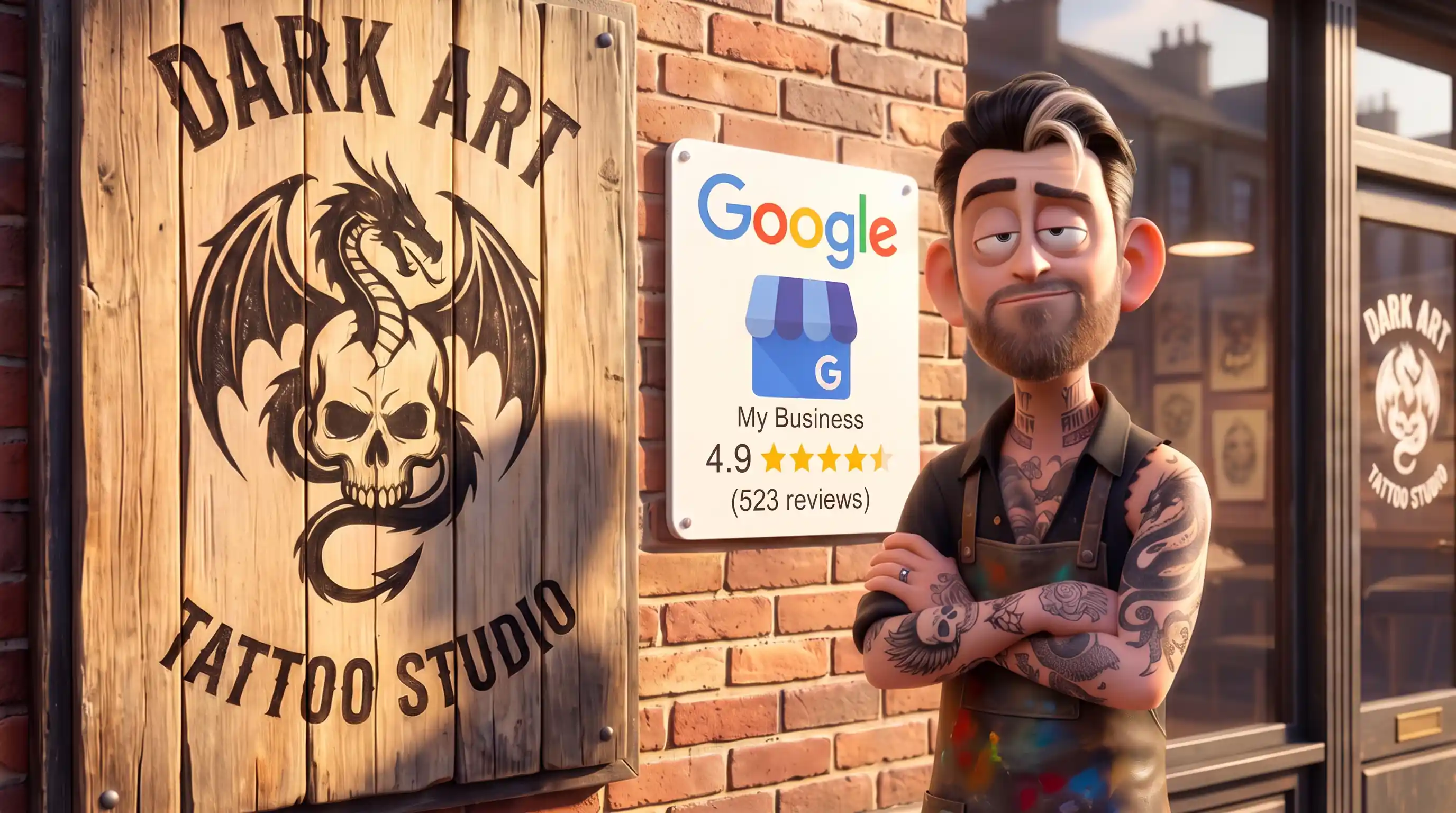
Reviews are one of the strongest local ranking signals Google uses. Volume matters. Recency matters. And the content of reviews matters more than most people realize. We've tested this across multiple shops - of everything in this guide, building a consistent review system moved rankings faster than anything else. If you're a shop owner and you can only focus on one thing, this is it.
How to get more reviews:
The easiest moment to ask is right in the shop - client is happy, adrenaline is still there, they're already taking photos. Hand them your phone or put a QR code at the front desk that goes straight to the review page. Strike while it's hot.
For clients who leave without leaving a review, send a follow-up message - WhatsApp, text, or email - with a direct link to your Google review page. Not your GMB homepage, the direct review link. Make it one tap.
The message doesn't need to be elaborate: "Really happy with how your piece turned out - if you'd like to leave us a Google review, here's the link. Takes 30 seconds and means a lot to us."
What to ask clients to mention: The style, the artist, and ideally the neighborhood or city. "Got an incredible fine line piece from Jake at the Wicker Park location" does significantly more SEO work than "great experience, 5 stars."
Responding to reviews: Respond to every review - positive and negative. For positive reviews, thank them and mention the style or piece if they did. For negative reviews, respond calmly and professionally. How you handle criticism is visible to every potential client who reads it.
Step 9: Google Posts
GMB has a Posts feature that almost no tattoo shop uses. It works like a mini social media feed inside your Google profile - and active posts signal to Google that your business is alive and engaged.
Post once or twice a month:
- A photo of recent work with a short caption
- An announcement (guest artist, new opening, event)
- A promotion if you run any
Posts expire after 7 days, so consistency matters more than volume.
Step 10: Q&A section
Google lets anyone ask questions on your profile - and anyone can answer them, including random people who may answer incorrectly. Check this section regularly and answer questions yourself before someone else does it wrong.
Pre-populate it with questions you actually get asked: pricing, booking process, walk-in availability, styles offered. This helps potential clients and gives Google more relevant content to associate with your profile.
What to check every month
Once the profile is set up, it doesn't run itself. Set a monthly reminder to:
- Add new photos
- Check and respond to new reviews
- Update hours if anything changed
- Review the Q&A for unanswered questions
- Post at least 2–3 times that month
Ten minutes a month keeps a profile active. An inactive profile slowly drifts down in local rankings - not dramatically, but consistently.
One thing I need to mention
Google allows anyone to "suggest an edit" on your business profile. This means a competitor, a bot, or a random person can suggest changes to your address, hours, or category - and Google sometimes accepts these automatically.
Check your profile every few weeks to make sure nothing has been changed without your knowledge. I've seen shops wake up with a wrong address on their profile and no idea how it happened. It's more common than people think.
Where to start
- Claim and verify the profile if you haven't already
- Set the primary category to "Tattoo Shop"
- Upload at least 15 photos this week
- Write the business description
- Send the review link to your last 5 clients
That's it for week one. The rest can follow.
A complete GMB profile won't make you rank overnight - but an incomplete one is actively costing you clients who searched, found nothing compelling, and booked somewhere else.
If you'd rather have someone handle this while you focus on the work — here's how we approach SEO for tattoo shops.
How to Set Up Google My Business for a Tattoo Shop
Most tattoo shops have a Google My Business profile. Most of them are half-empty, have the wrong category, and haven't been touched since the day someone created them. Which is exactly why showing up well on Google Maps is still one of the easiest wins available in this industry.
This is the full setup - done correctly, specifically for tattoo shops.
Why GMB matters
When someone searches "tattoo shop near me" or "best tattoo shop in [city]," the first thing they see isn't websites - it's the local pack. Three businesses, shown on a map, with photos, ratings, and hours. That's GMB.
Getting into that local pack doesn't require a massive ad budget or months of SEO work. It requires a complete, well-maintained profile. Most shops don't have one, which means the bar is lower than it looks.
Step 1: Claim or create your profile
Go to google.com/business and sign in with a Google account that belongs to the business - not a personal Gmail you might lose access to.
Search for your shop name. If a profile already exists (Google sometimes auto-generates them), claim it. If not, create one from scratch.
You'll need to verify the business. Google usually sends a postcard with a verification code to the physical address. This takes 5–7 days. Some accounts can verify by phone or video call - if that option appears, use it, it's faster.
Don't skip verification. An unverified profile has limited visibility and you can't control the information on it.
Step 2: Choose the right category
This is the most important field in your profile.
Primary category: Tattoo Shop
That's it. Don't get creative. "Tattoo Shop" is the exact category Google uses to rank businesses in tattoo-related searches. Using anything else - "Art Studio," "Body Art," or "Piercing Shop" as your primary - puts you in the wrong bucket.
Secondary categories (add these if they apply):
- Body Piercing Shop (if you offer piercing)
- Art Gallery (if you have a retail/gallery component)
Keep secondary categories relevant and minimal. Adding too many dilutes the signal of your primary category.
Step 3: Business name, address, and phone
Name: Use your actual business name - nothing else. Don't add keywords like "Best Tattoo Shop NYC" to your business name. Google actively penalizes this and it looks unprofessional to anyone who sees it.
Address: The exact address, formatted consistently with how it appears on your website, Yelp, and every other platform. Street vs. St., Suite vs. Ste. - pick one format and use it everywhere. Inconsistency fragments your local authority.
Phone: A local number, not a tracking number or call center line. Local area codes carry more weight in local search than toll-free numbers.
One more thing: make sure your website shows the exact same name, address, and phone as your GMB profile. Consistent information across GMB, your website, and directories doesn't just help Google Maps rankings - it's also how AI search tools like ChatGPT and Perplexity decide which businesses to surface when someone asks "best tattoo shop in [city]." The more consistent your data is across the web, the more confidently these tools recommend you.
Step 4: Hours
Set accurate hours, including holiday hours when relevant. Google highlights businesses that are "open now" - if your hours are wrong and someone shows up to a closed door, that's a review waiting to happen.
If your shop works by appointment only with no walk-ins, note that in the business description - but still set hours for when someone could reach you or drop by for a consultation.
Step 5: Photos
Google's own data shows that businesses with photos receive significantly more clicks and direction requests than those without - and "a few photos" barely counts. For a tattoo shop, photos are the entire pitch.
What to upload:
- Cover photo: The strongest piece from your shop. This is the first image people see in search results - make it count.
- Logo: Clean, high resolution.
- Interior shots: The shop environment. Clients want to know what they're walking into — clean, professional, well-lit.
- Work photos: At least 15–30 pieces across different styles the shop offers. Organized isn't required here - variety is.
- Team photos: Artists at work, not just headshots.
How often: Add new photos at least once a month - ideally more often. Google favors active profiles. A profile that hasn't been updated in six months is a profile that's slowly losing ground.
File names and quality: Rename photos before uploading - blackwork-sleeve-tattoo-chicago.jpg tells Google more than IMG_4821.jpg. Minimum 720px, no heavy filters that make the work look different than it does in person. A slight one is fine though - just keep it real.
Step 6: Business description
You get 750 characters. Use them to describe what the shop does, who the artists are, what styles you specialize in, and where you're located - naturally, without stuffing keywords. And use most of them - a two-sentence description is a missed opportunity.
A description that works:
"[Shop Name] is a custom tattoo shop in [Neighborhood], [City]. Our artists specialize in fine line, realism, and blackwork - all by appointment. We've been tattooing since [year] and every piece is custom designed for the client. Walk-ins welcome on [days]."
What doesn't work: "Best tattoo shop in [City], top rated tattoos, cheap tattoos, tattoo studio near me." Google sees through it and clients don't trust it.
Step 7: Services
GMB has a Services section that most shops leave blank. Fill it out.
Add each style or service the shop offers as a separate service item:
- Fine Line Tattoo
- Realism Tattoo
- Blackwork
- Cover Up Tattoo
- Japanese Traditional
- Piercing (if applicable)
Add a short description and price range if you're comfortable with that. This section feeds directly into how Google matches your profile to search queries.
Booking link
GMB has an "Appointments" field where you can drop a direct link to your booking page - Booksy, StyleSeat, your own website, whatever you use. Once it's there, a "Book" button appears right on your Google Maps card.
Most shops don't set this up. Which means someone finds them, likes what they see, and then has to go hunt for how to book. That's friction that costs appointments. Takes two minutes to add.
Step 8: Reviews
Reviews are one of the strongest local ranking signals Google uses. Volume matters. Recency matters. And the content of reviews matters more than most people realize. We've tested this across multiple shops - of everything in this guide, building a consistent review system moved rankings faster than anything else. If you're a shop owner and you can only focus on one thing, this is it.
How to get more reviews:
The easiest moment to ask is right in the shop - client is happy, adrenaline is still there, they're already taking photos. Hand them your phone or put a QR code at the front desk that goes straight to the review page. Strike while it's hot.
For clients who leave without leaving a review, send a follow-up message - WhatsApp, text, or email - with a direct link to your Google review page. Not your GMB homepage, the direct review link. Make it one tap.
The message doesn't need to be elaborate: "Really happy with how your piece turned out - if you'd like to leave us a Google review, here's the link. Takes 30 seconds and means a lot to us."
What to ask clients to mention: The style, the artist, and ideally the neighborhood or city. "Got an incredible fine line piece from Jake at the Wicker Park location" does significantly more SEO work than "great experience, 5 stars."
Responding to reviews: Respond to every review - positive and negative. For positive reviews, thank them and mention the style or piece if they did. For negative reviews, respond calmly and professionally. How you handle criticism is visible to every potential client who reads it.
Step 9: Google Posts
GMB has a Posts feature that almost no tattoo shop uses. It works like a mini social media feed inside your Google profile - and active posts signal to Google that your business is alive and engaged.
Post once or twice a month:
- A photo of recent work with a short caption
- An announcement (guest artist, new opening, event)
- A promotion if you run any
Posts expire after 7 days, so consistency matters more than volume.
Step 10: Q&A section
Google lets anyone ask questions on your profile - and anyone can answer them, including random people who may answer incorrectly. Check this section regularly and answer questions yourself before someone else does it wrong.
Pre-populate it with questions you actually get asked: pricing, booking process, walk-in availability, styles offered. This helps potential clients and gives Google more relevant content to associate with your profile.
What to check every month
Once the profile is set up, it doesn't run itself. Set a monthly reminder to:
- Add new photos
- Check and respond to new reviews
- Update hours if anything changed
- Review the Q&A for unanswered questions
- Post at least 2–3 times that month
Ten minutes a month keeps a profile active. An inactive profile slowly drifts down in local rankings - not dramatically, but consistently.
One thing I need to mention
Google allows anyone to "suggest an edit" on your business profile. This means a competitor, a bot, or a random person can suggest changes to your address, hours, or category - and Google sometimes accepts these automatically.
Check your profile every few weeks to make sure nothing has been changed without your knowledge. I've seen shops wake up with a wrong address on their profile and no idea how it happened. It's more common than people think.
Where to start
- Claim and verify the profile if you haven't already
- Set the primary category to "Tattoo Shop"
- Upload at least 15 photos this week
- Write the business description
- Send the review link to your last 5 clients
That's it for week one. The rest can follow.
A complete GMB profile won't make you rank overnight - but an incomplete one is actively costing you clients who searched, found nothing compelling, and booked somewhere else.
If you'd rather have someone handle this while you focus on the work — here's how we approach SEO for tattoo shops.
How to Set Up Google My Business for a Tattoo Shop
Most tattoo shops have a Google My Business profile. Most of them are half-empty, have the wrong category, and haven't been touched since the day someone created them. Which is exactly why showing up well on Google Maps is still one of the easiest wins available in this industry.
This is the full setup - done correctly, specifically for tattoo shops.
Why GMB matters
When someone searches "tattoo shop near me" or "best tattoo shop in [city]," the first thing they see isn't websites - it's the local pack. Three businesses, shown on a map, with photos, ratings, and hours. That's GMB.
Getting into that local pack doesn't require a massive ad budget or months of SEO work. It requires a complete, well-maintained profile. Most shops don't have one, which means the bar is lower than it looks.
Step 1: Claim or create your profile
Go to google.com/business and sign in with a Google account that belongs to the business - not a personal Gmail you might lose access to.
Search for your shop name. If a profile already exists (Google sometimes auto-generates them), claim it. If not, create one from scratch.
You'll need to verify the business. Google usually sends a postcard with a verification code to the physical address. This takes 5–7 days. Some accounts can verify by phone or video call - if that option appears, use it, it's faster.
Don't skip verification. An unverified profile has limited visibility and you can't control the information on it.
Step 2: Choose the right category
This is the most important field in your profile.
Primary category: Tattoo Shop
That's it. Don't get creative. "Tattoo Shop" is the exact category Google uses to rank businesses in tattoo-related searches. Using anything else - "Art Studio," "Body Art," or "Piercing Shop" as your primary - puts you in the wrong bucket.
Secondary categories (add these if they apply):
- Body Piercing Shop (if you offer piercing)
- Art Gallery (if you have a retail/gallery component)
Keep secondary categories relevant and minimal. Adding too many dilutes the signal of your primary category.
Step 3: Business name, address, and phone
Name: Use your actual business name - nothing else. Don't add keywords like "Best Tattoo Shop NYC" to your business name. Google actively penalizes this and it looks unprofessional to anyone who sees it.
Address: The exact address, formatted consistently with how it appears on your website, Yelp, and every other platform. Street vs. St., Suite vs. Ste. - pick one format and use it everywhere. Inconsistency fragments your local authority.
Phone: A local number, not a tracking number or call center line. Local area codes carry more weight in local search than toll-free numbers.
One more thing: make sure your website shows the exact same name, address, and phone as your GMB profile. Consistent information across GMB, your website, and directories doesn't just help Google Maps rankings - it's also how AI search tools like ChatGPT and Perplexity decide which businesses to surface when someone asks "best tattoo shop in [city]." The more consistent your data is across the web, the more confidently these tools recommend you.
Step 4: Hours
Set accurate hours, including holiday hours when relevant. Google highlights businesses that are "open now" - if your hours are wrong and someone shows up to a closed door, that's a review waiting to happen.
If your shop works by appointment only with no walk-ins, note that in the business description - but still set hours for when someone could reach you or drop by for a consultation.
Step 5: Photos
Google's own data shows that businesses with photos receive significantly more clicks and direction requests than those without - and "a few photos" barely counts. For a tattoo shop, photos are the entire pitch.
What to upload:
- Cover photo: The strongest piece from your shop. This is the first image people see in search results - make it count.
- Logo: Clean, high resolution.
- Interior shots: The shop environment. Clients want to know what they're walking into — clean, professional, well-lit.
- Work photos: At least 15–30 pieces across different styles the shop offers. Organized isn't required here - variety is.
- Team photos: Artists at work, not just headshots.
How often: Add new photos at least once a month - ideally more often. Google favors active profiles. A profile that hasn't been updated in six months is a profile that's slowly losing ground.
File names and quality: Rename photos before uploading - blackwork-sleeve-tattoo-chicago.jpg tells Google more than IMG_4821.jpg. Minimum 720px, no heavy filters that make the work look different than it does in person. A slight one is fine though - just keep it real.
Step 6: Business description
You get 750 characters. Use them to describe what the shop does, who the artists are, what styles you specialize in, and where you're located - naturally, without stuffing keywords. And use most of them - a two-sentence description is a missed opportunity.
A description that works:
"[Shop Name] is a custom tattoo shop in [Neighborhood], [City]. Our artists specialize in fine line, realism, and blackwork - all by appointment. We've been tattooing since [year] and every piece is custom designed for the client. Walk-ins welcome on [days]."
What doesn't work: "Best tattoo shop in [City], top rated tattoos, cheap tattoos, tattoo studio near me." Google sees through it and clients don't trust it.
Step 7: Services
GMB has a Services section that most shops leave blank. Fill it out.
Add each style or service the shop offers as a separate service item:
- Fine Line Tattoo
- Realism Tattoo
- Blackwork
- Cover Up Tattoo
- Japanese Traditional
- Piercing (if applicable)
Add a short description and price range if you're comfortable with that. This section feeds directly into how Google matches your profile to search queries.
Booking link
GMB has an "Appointments" field where you can drop a direct link to your booking page - Booksy, StyleSeat, your own website, whatever you use. Once it's there, a "Book" button appears right on your Google Maps card.
Most shops don't set this up. Which means someone finds them, likes what they see, and then has to go hunt for how to book. That's friction that costs appointments. Takes two minutes to add.
Step 8: Reviews
Reviews are one of the strongest local ranking signals Google uses. Volume matters. Recency matters. And the content of reviews matters more than most people realize. We've tested this across multiple shops - of everything in this guide, building a consistent review system moved rankings faster than anything else. If you're a shop owner and you can only focus on one thing, this is it.
How to get more reviews:
The easiest moment to ask is right in the shop - client is happy, adrenaline is still there, they're already taking photos. Hand them your phone or put a QR code at the front desk that goes straight to the review page. Strike while it's hot.
For clients who leave without leaving a review, send a follow-up message - WhatsApp, text, or email - with a direct link to your Google review page. Not your GMB homepage, the direct review link. Make it one tap.
The message doesn't need to be elaborate: "Really happy with how your piece turned out - if you'd like to leave us a Google review, here's the link. Takes 30 seconds and means a lot to us."
What to ask clients to mention: The style, the artist, and ideally the neighborhood or city. "Got an incredible fine line piece from Jake at the Wicker Park location" does significantly more SEO work than "great experience, 5 stars."
Responding to reviews: Respond to every review - positive and negative. For positive reviews, thank them and mention the style or piece if they did. For negative reviews, respond calmly and professionally. How you handle criticism is visible to every potential client who reads it.
Step 9: Google Posts
GMB has a Posts feature that almost no tattoo shop uses. It works like a mini social media feed inside your Google profile - and active posts signal to Google that your business is alive and engaged.
Post once or twice a month:
- A photo of recent work with a short caption
- An announcement (guest artist, new opening, event)
- A promotion if you run any
Posts expire after 7 days, so consistency matters more than volume.
Step 10: Q&A section
Google lets anyone ask questions on your profile - and anyone can answer them, including random people who may answer incorrectly. Check this section regularly and answer questions yourself before someone else does it wrong.
Pre-populate it with questions you actually get asked: pricing, booking process, walk-in availability, styles offered. This helps potential clients and gives Google more relevant content to associate with your profile.
What to check every month
Once the profile is set up, it doesn't run itself. Set a monthly reminder to:
- Add new photos
- Check and respond to new reviews
- Update hours if anything changed
- Review the Q&A for unanswered questions
- Post at least 2–3 times that month
Ten minutes a month keeps a profile active. An inactive profile slowly drifts down in local rankings - not dramatically, but consistently.
One thing I need to mention
Google allows anyone to "suggest an edit" on your business profile. This means a competitor, a bot, or a random person can suggest changes to your address, hours, or category - and Google sometimes accepts these automatically.
Check your profile every few weeks to make sure nothing has been changed without your knowledge. I've seen shops wake up with a wrong address on their profile and no idea how it happened. It's more common than people think.
Where to start
- Claim and verify the profile if you haven't already
- Set the primary category to "Tattoo Shop"
- Upload at least 15 photos this week
- Write the business description
- Send the review link to your last 5 clients
That's it for week one. The rest can follow.
A complete GMB profile won't make you rank overnight - but an incomplete one is actively costing you clients who searched, found nothing compelling, and booked somewhere else.
If you'd rather have someone handle this while you focus on the work — here's how we approach SEO for tattoo shops.
Keep reading
All stories →

No time to read right now?
Drop your email and we'll send the best growth playbooks, case breakdowns and booking tactics straight to your inbox. One sharp email, twice a month — no spam, unsubscribe anytime.
No time to read right now?
Drop your email and we'll send the best growth playbooks, case breakdowns and booking tactics straight to your inbox. One sharp email, twice a month — no spam, unsubscribe anytime.
No time to read right now?
Drop your email and we'll send the best growth playbooks, case breakdowns and booking tactics straight to your inbox. One sharp email, twice a month — no spam, unsubscribe anytime.